Provisioned Resources
The Provisioned Resources page serves as a centralized hub, providing easy access to all the resources available within your tenant. This is where you will find the URLs to the catalog and execution services to configure in calling applications.
The resources available in this space are generated based on your licensed products. The license key will be located here as well.
As of InRule 5.9.0, Provisioned Resources for execution services will no longer display the API key. The API key for Decision Services, Dynamics Execution Service, and Salesforce Execution Service can be found in the Configuration section under Settings.
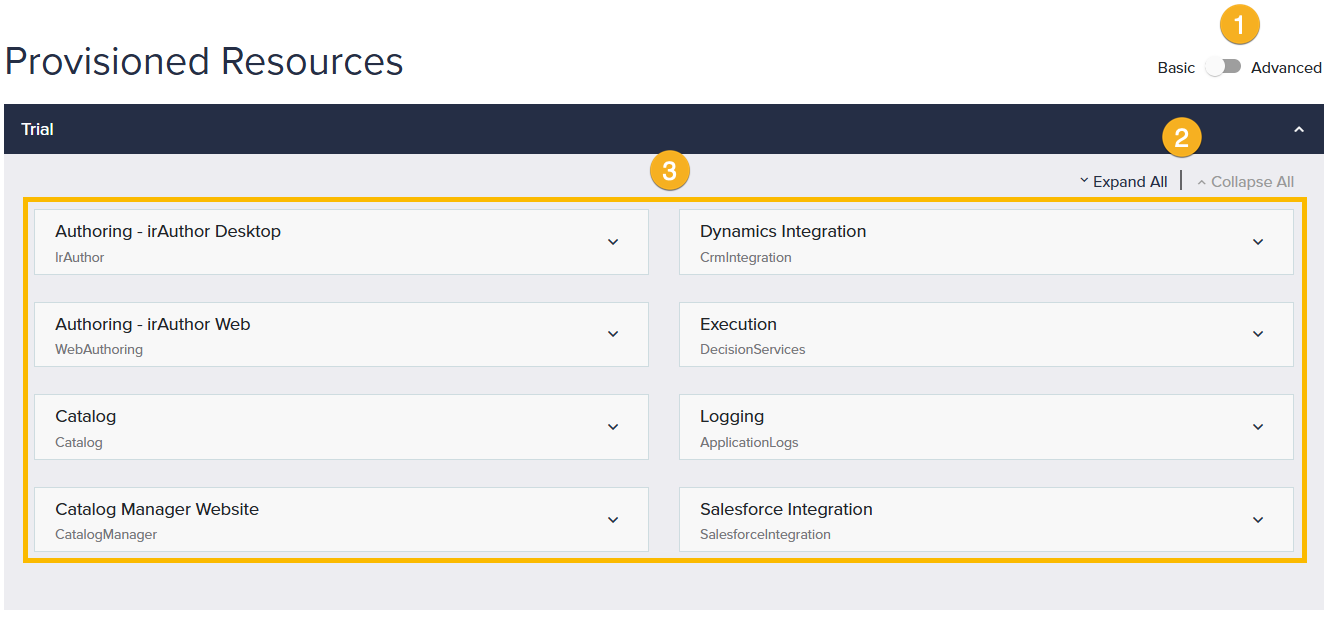
1. Basic / Advanced
The Provisioned Resources page offers two viewing options: Basic and Advanced. The Basic view provides users with the most commonly required resource information for typical use cases. If advanced configuration access is necessary for certain resources, they will be listed when the toggle is set to Advanced.
2. Expand All / Collapse All
This option allows you to expand or collapse all the sections on the page at one time.
3. Resources
The information provided on this page is dependent on the products associated with your account. Here, you will find details regarding all resources provisioned in your InRule environment.
Resources
Listed in alphabetical order.
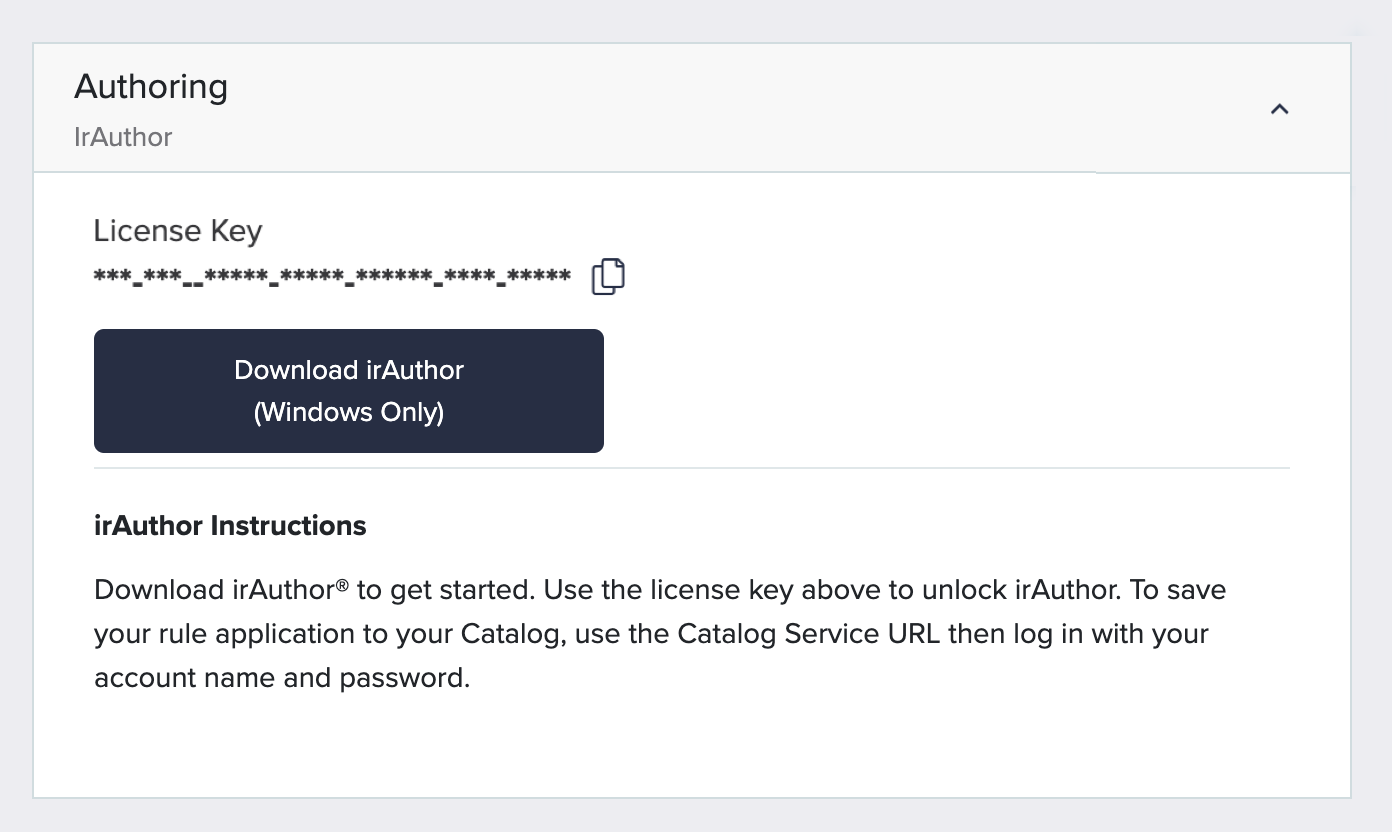
Authoring
Authoring resource provides an ability to Download irAuthor and access your License Key required for activation.
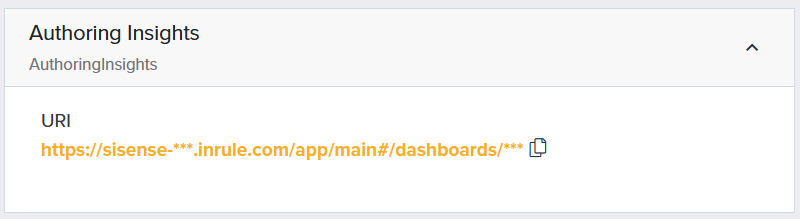
Authoring Insights
Authoring Insights gives catalog administrators and users an at-a-glance insight into several aspects of the decision automation lifecycle.
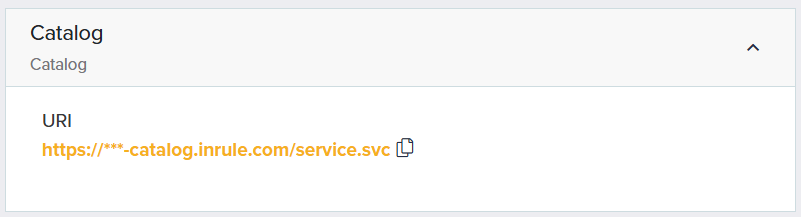
Catalog
Use this URL to connect to your Catalog from irAuthor. To configure the connection, go to the Catalog tab in irAuthor and click on the Maintain button.
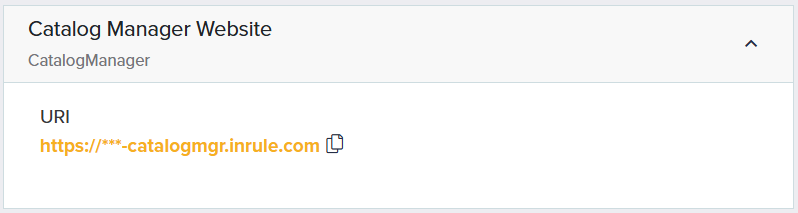
Catalog Manager Website
Catalog Manager provides the ability to manage users, roles, and permissions and to promote rule applications across environments.
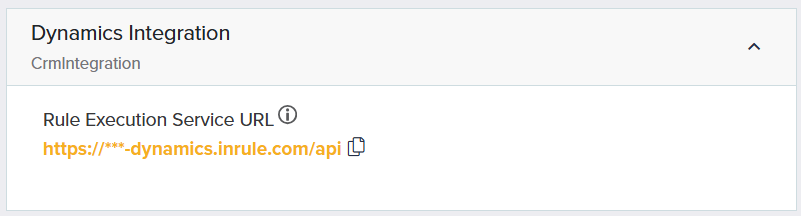
Dynamics Integration
Use this URL to configure the InRule for Microsoft Dynamics 365 solution to connect with the Dynamics Execution Service.
Execution - Decision Services
Use these URLs to connect to the Decision API or the Rule Execution API. You can read more about the different APIs for Decision Services in the article Introduction to Decision Services.
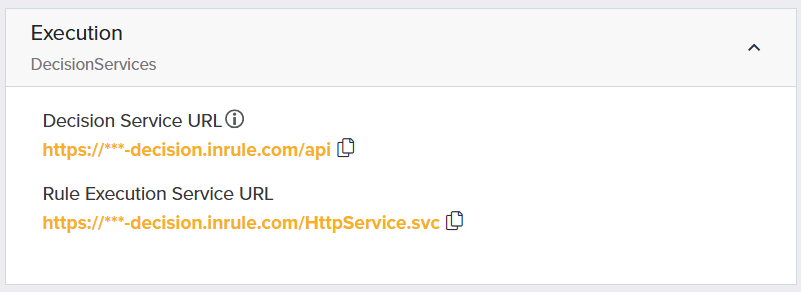
Decision Service URL The Base URL for executing decisions and rules with the Decision API. This endpoint uses simplified request and response models for a more accessible means of executing rules over REST.
Rule Execution Service URL The Base URL for executing decisions and rules with the Rule Execution API. This endpoint supports the classic irServer execution request/response format.
Logging
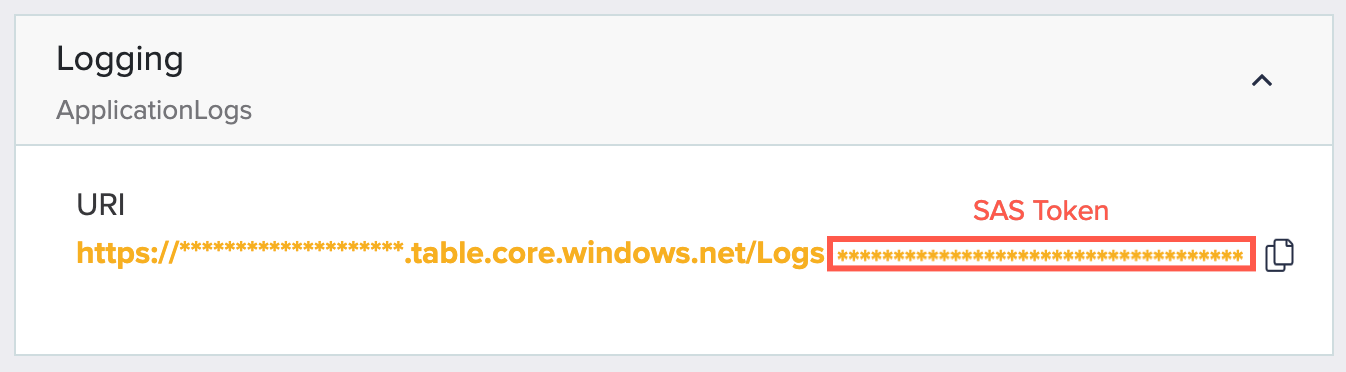
InRule-related logs are stored in Azure Table storage and can be accessed with the Table SAS URL available in this section. The end of the URL found in this section, everything after "Logs", is the SAS Token.
Runtime Analytics
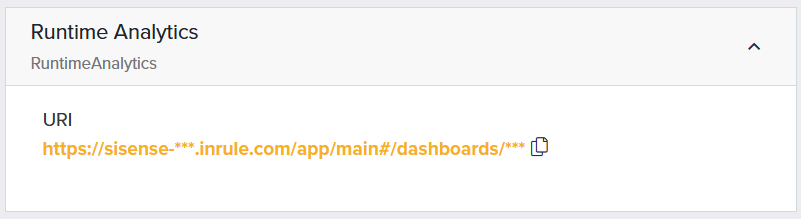
Runtime Analytics allows users to visualize execution trends with details such as endpoint latency, request counts, errors, spikes, and more.
Salesforce Integration
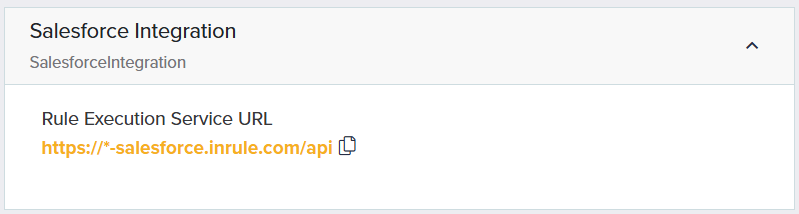
Use this URL to configure the InRule for Salesforce app to connect with the Salesforce Execution Service.
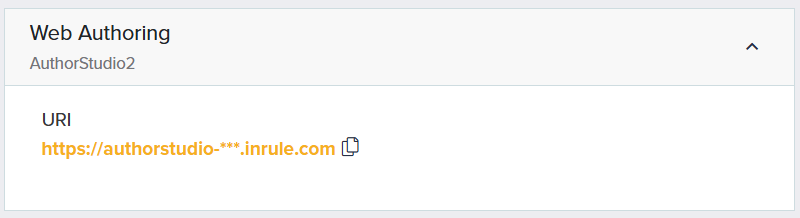
Web Authoring
Author Studio provides the ability for the authors to be empowered with the flexibility to edit rules from anywhere.