Using the Help Center and Documentation
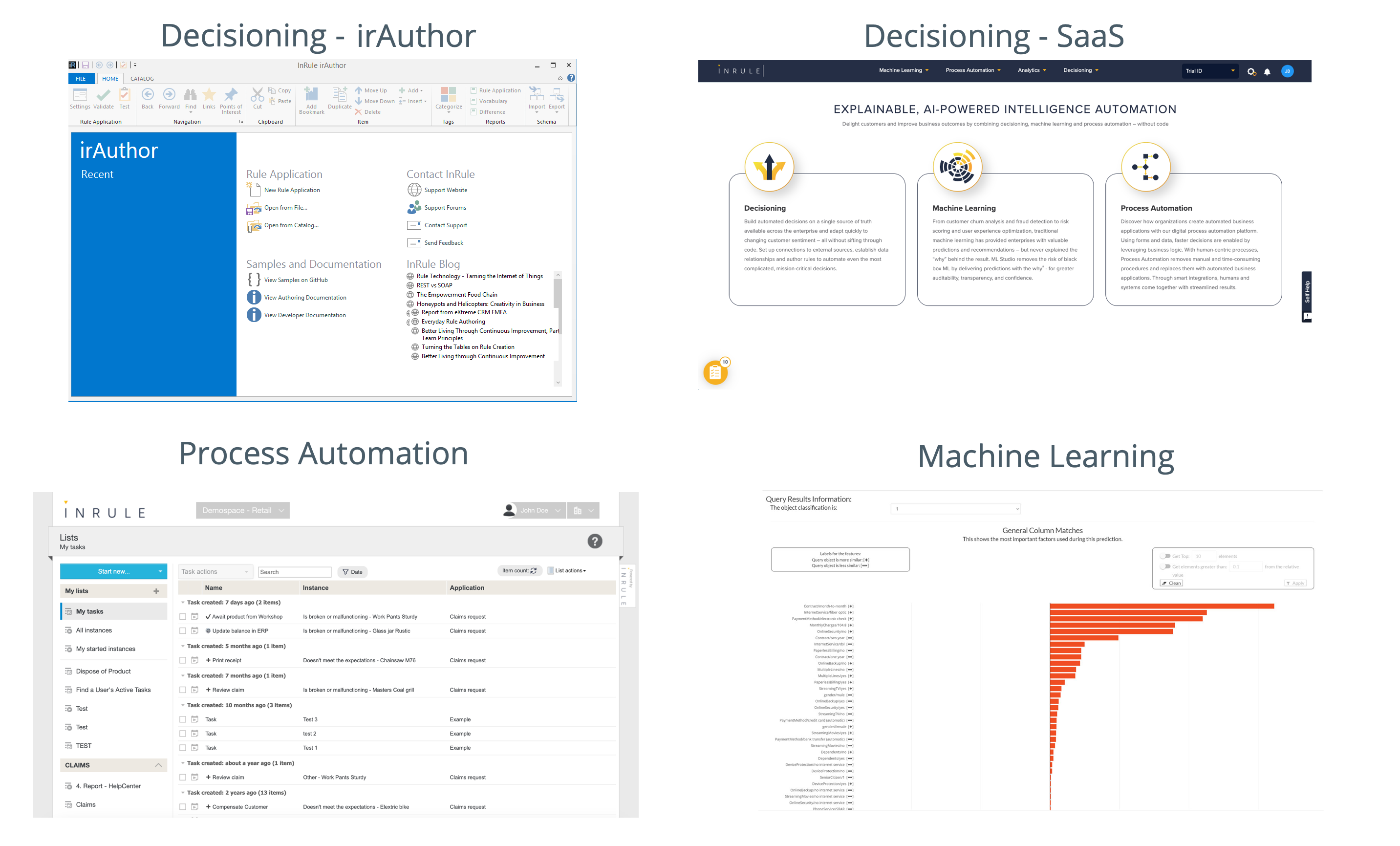
The documentation for all of InRule's products is hosted on our documentation site here on docs.inrule.com. To find the documentation you are looking for, it is important to keep in mind which product you are using:
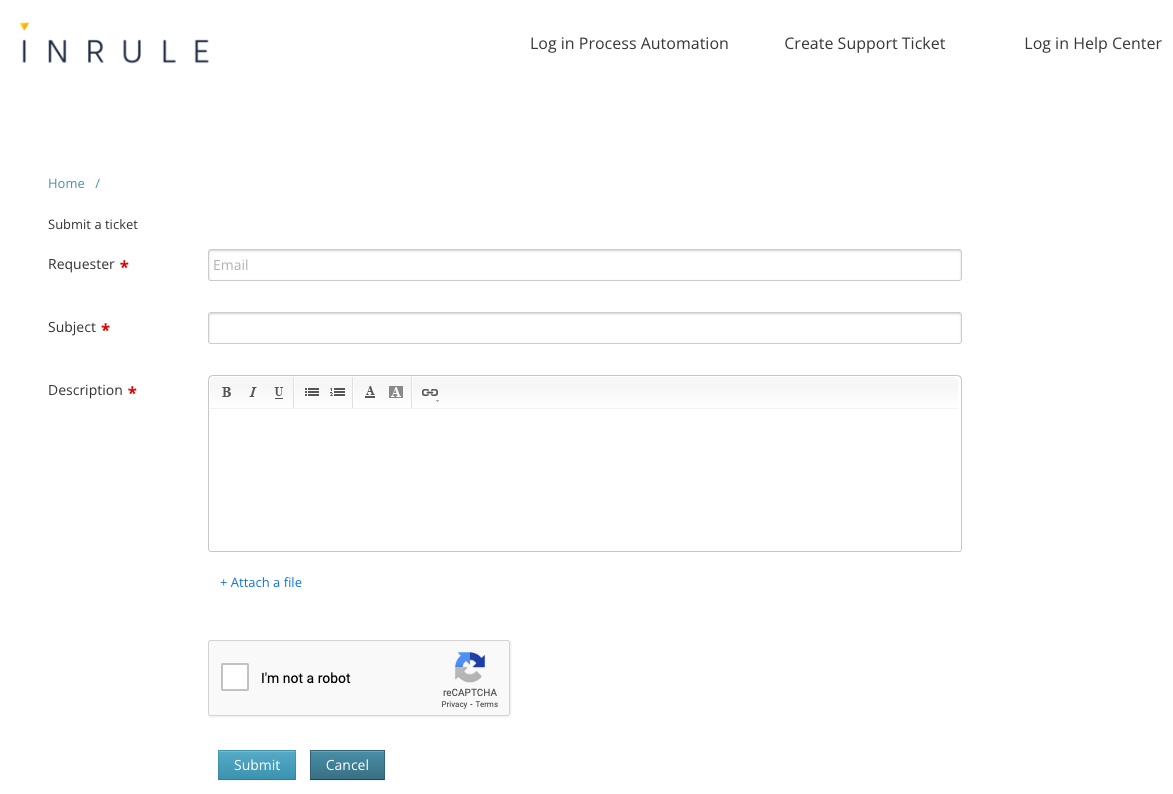
On our Support Site, users can find Downloads, the ability to submit a ticket, and special troubleshooting articles available to signed-in users.

Searching for information
You can find the search bar in the top right corner of the site.

The search results are divided by category so you can easily find the documentation that matches the product you are working with.
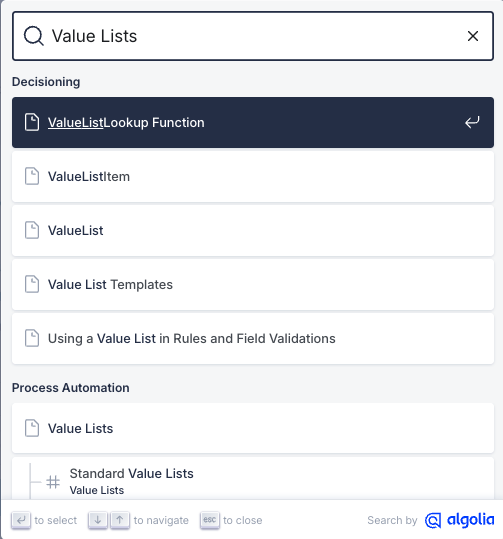
If you do not see the article you are looking for, press See all results to see all results.

Browse our product information
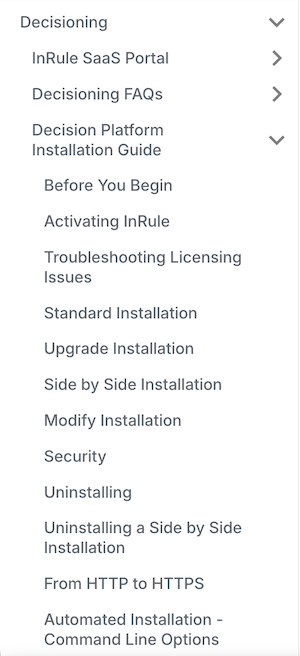
The documentation is organized by section. If you prefer to navigate through the documentation instead of using the search feature, start on the homepage for the product you are using.
We have navigation in the left-hand column which makes it easy to browse related content.
Submitting a ticket
Decisioning (irAuthor and Author Studio users) and Machine Learning Users
Submit a support ticket here or click on the Submit a Request link in the top right corner of the Help Center. You must be signed in to access the Submit a Request page. For detailed instructions on how to submit the support request, see the article How to Submit a Support Ticket.

Process Automation Users
The support portal for process automation has not moved to Zendesk. To submit a ticket for help with Process Automation, continue to use the form on help.bariumlive.com or send an email to support-eu@inrule.com.